Do Hidden Camera Detector Apps Actually Work?
An honest answer: what detector apps can genuinely find, what they physically cannot, how they compare to dedicated RF detectors — and the layered method that actually catches devices.
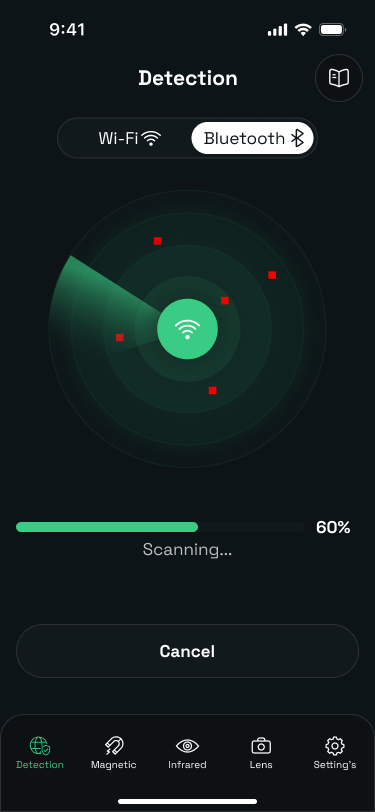
Yes — with limits. Hidden camera detector apps genuinely work for the checks a phone's hardware can perform: listing camera-like devices on the WiFi network, sensing the magnetic signature of powered electronics at close range, and spotting infrared LEDs and lens reflections. What they cannot do is guarantee a room is clean, because no phone can detect a powered-off, shielded, or offline device through every disguise. Used as one layer of a sweep that ends with a physical inspection, they are worth having; used as a one-tap verdict, they are false confidence.
What a phone can honestly detect
| Method | Real capability | Verdict |
|---|---|---|
| WiFi network scan | Lists every device on the network you've joined, with names and manufacturers | Works — catches streaming cameras |
| Magnetometer | Reads real magnetic-field distortion from powered electronics within a few cm | Works at close range |
| Infrared (front camera) | Sees night-vision IR LEDs as a glow in a dark room | Works when IR is active |
| Lens reflection | Catches the fixed pinpoint glint of any lens with line of sight | Works even on unpowered cameras |
| "Full RF spectrum scan" | Phones have no general-purpose RF receiver — apps claiming this are reading WiFi/Bluetooth only | Marketing, not physics |
Where apps genuinely fail
- Offline cameras. A device recording to a microSD card emits no network traffic. WiFi scans cannot see it, ever.
- Powered-off devices. No emissions, no magnetic signature. Only the reflection check (or your hands) finds these.
- Distance. Magnetometer readings fall off within centimeters. Waving a phone around the middle of a room detects nothing.
- Separate networks. A camera on its own hidden hotspot or a cellular modem never appears on the room's WiFi.
- False positives. Smart TVs, thermostats, and the host's legitimate gear all show up in scans. The app surfaces candidates; you still have to identify them.
App vs. dedicated detector vs. professional sweep
| Option | Cost | Best for |
|---|---|---|
| Detector app + phone checks | Free–$30 | Travelers doing routine room checks; covers common consumer spy cameras |
| RF detector wand | $30–100 | Frequent travelers; adds detection of non-WiFi wireless transmitters |
| Lens-finder viewer | $20–50 | Optical-only check; same principle as the flashlight method, more convenient |
| Professional TSCM sweep | $500+ | Genuine high-risk situations (legal disputes, executive privacy, stalking cases) |
For most people the honest answer is: the phone you own plus fifteen minutes of method covers the realistic threat. The devices that actually get found in rentals are cheap consumer products in standard disguises — exactly what the layered phone sweep is good at.
The method that works
Whatever tool you use, the sequence is the same:
- Survey line of sight. Only objects that can see the bed or bathroom matter most.
- Scan the network for devices you can't account for.
- Sweep close with the magnetometer on suspicious objects.
- Go dark and check for IR glow and lens reflections.
- Inspect by hand. The final layer is always physical.
The full technique is in our iPhone detection guide and the Airbnb room-check walkthrough. Camera Detector Ultra exists to make that method fast — it runs the WiFi, magnetometer, and infrared checks in one guided sweep, and tells you what each result does and doesn't mean.